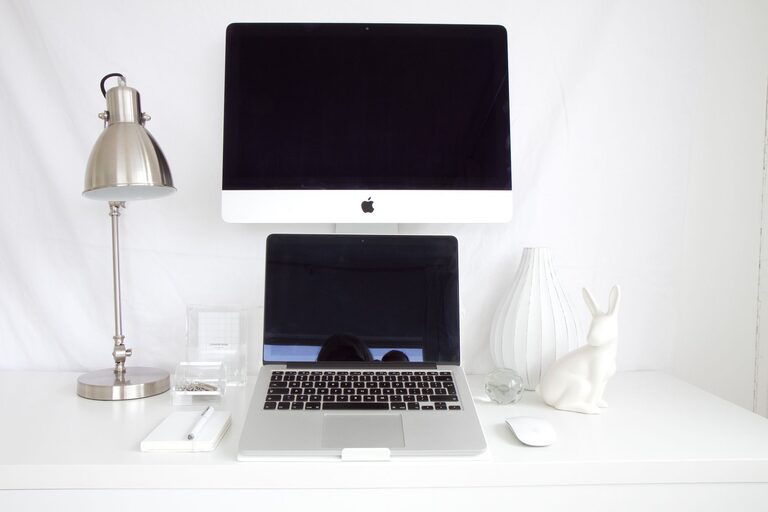
Creating a productive workspace at home can sometimes feel challenging. Whether you’re working remotely, managing a home business, or just need a dedicated spot for tasks, a well-organized home office can make a big difference in your efficiency and mood. Here are some simple tips to help you declutter, design, and organize your space so you can work smarter and feel less stressed.
Why Organizing Your Home Office Matters
A cluttered workspace can lead to distractions, lost time searching for items, and even increase stress levels. On the other hand, a clean, organized office helps you:
– Focus better on your tasks
– Save time by finding what you need quickly
– Feel more motivated and professional
– Create a healthy boundary between work and home life
Taking the time to organize your home office is an investment in your productivity and well-being.
Start with Decluttering
Before adding any new organization tools or furniture, clear the space. Here’s how:
Sort and Purge
– Remove everything from your desk, shelves, and drawers.
– Decide what you really need for daily work and what belongs somewhere else or can be discarded.
– Consider donating or recycling old papers, broken electronics, and unused office supplies.
Categorize Items
Group related items together, such as:
– Work documents and files
– Writing tools and supplies
– Electronics and cables
– Personal items
This step will help you plan storage solutions that make sense.
Choose Functional Storage Solutions
Once you know what you need to store, pick storage options that fit both your space and workflow.
Use Desk Organizers
– Pen holders, trays, or drawer dividers keep small items tidy and reachable.
– Vertical file holders keep papers upright and visible.
Invest in Shelving
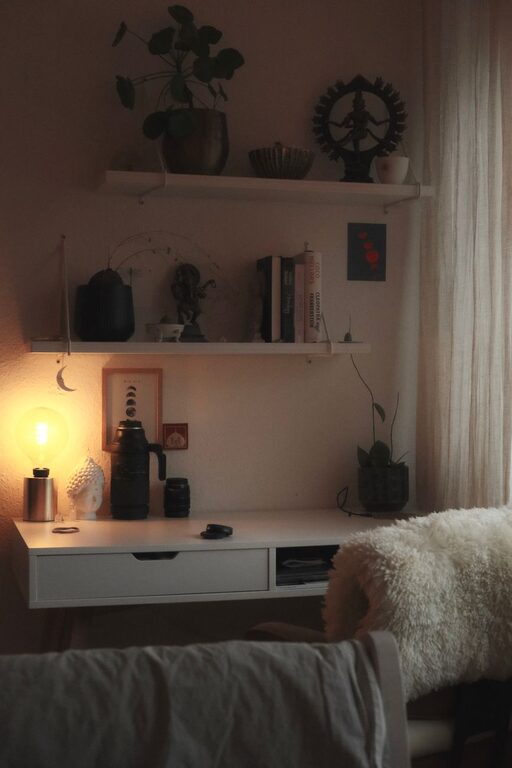
– Floating shelves or bookcases use vertical space efficiently.
– Label boxes or bins to quickly identify contents.
Cable Management
– Use clips, sleeves, or ties to keep chargers and cords neat and prevent tangling.
Prioritize Accessibility
Frequently used items should be within arm’s reach, while rarely used supplies can be stored elsewhere.
Optimize Your Desk Setup
Your workspace setup influences comfort and focus.
Choose the Right Desk and Chair
– Select a desk size that fits your needs but doesn’t overcrowd the room.
– Invest in an ergonomic chair that supports good posture.
Position Your Desk Wisely
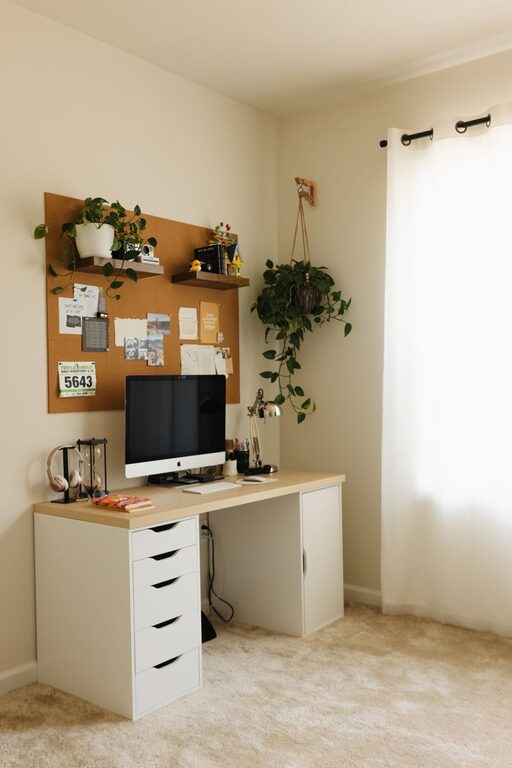
– If possible, place your desk near a window for natural light.
– Keep the most-used items directly in front of you to avoid unnecessary reaching.
Keep Your Surface Clear
– Limit what stays on the desk to essentials only: your computer, a notebook, and a pen, for example.
– Clear at the end of each day to start fresh each morning.
Create an Inspiring Environment
Your surroundings affect your creativity and motivation.
Personalize Tastefully
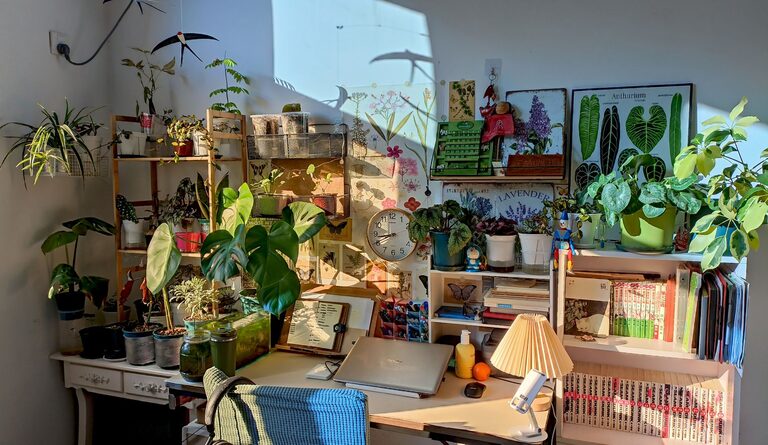
– Add a few plants to improve air quality and add a calming touch.
– Hang meaningful artwork or photos that inspire you.
Control Lighting
– Use adjustable lighting—desk lamps for focused tasks and soft ambient lighting to reduce eye strain.
Minimize Noise
– Consider noise-cancelling headphones or white noise apps to help maintain focus if your home is busy.
Build Healthy Habits to Maintain Organization
Keeping your home office organized is an ongoing process.
Daily Tidying
– Spend 5 minutes at the end of each workday putting things back in place.
Weekly Review
– Go through papers, supplies, and digital files once a week to discard or file as needed.
Digital Decluttering
– Organize your computer desktop with folders and clear out unused files regularly.
Final Thoughts
An organized home office doesn’t happen overnight, but small, consistent efforts can transform your workspace. By decluttering, selecting smart storage, optimizing your setup, and building maintenance habits, you’ll create a space that supports your productivity and boosts your workday satisfaction.
Take the first step today — tidy one corner, buy a drawer organizer, or simply move your desk near a window. Your future productive self will thank you!
About the Author