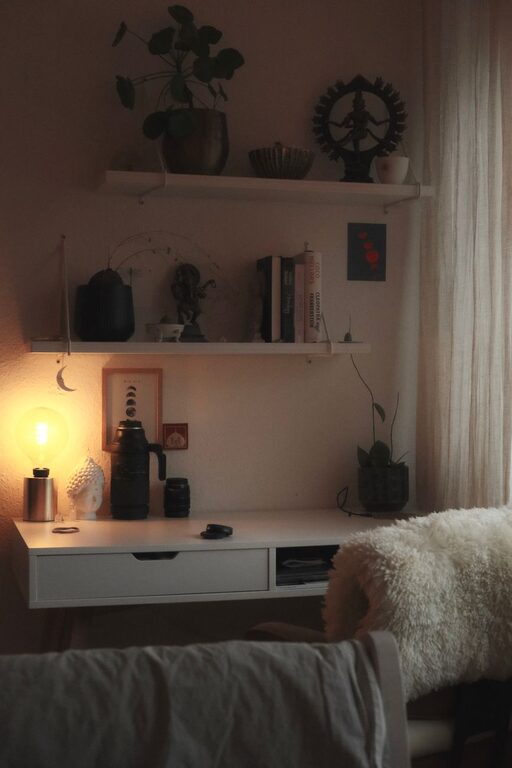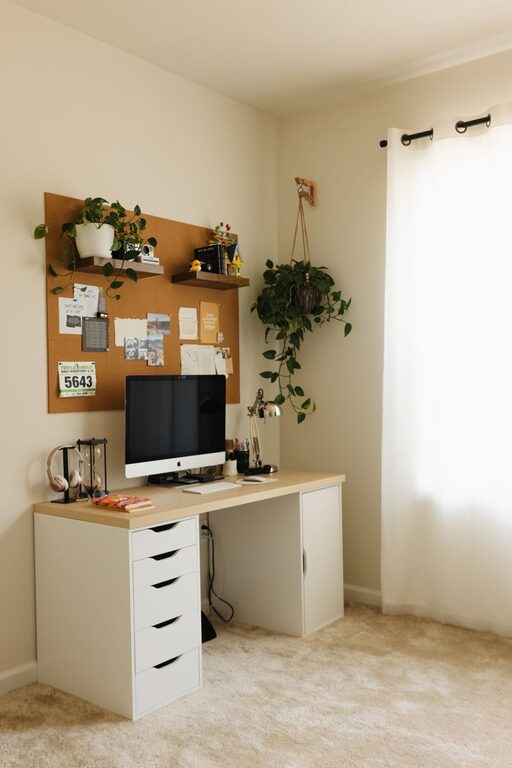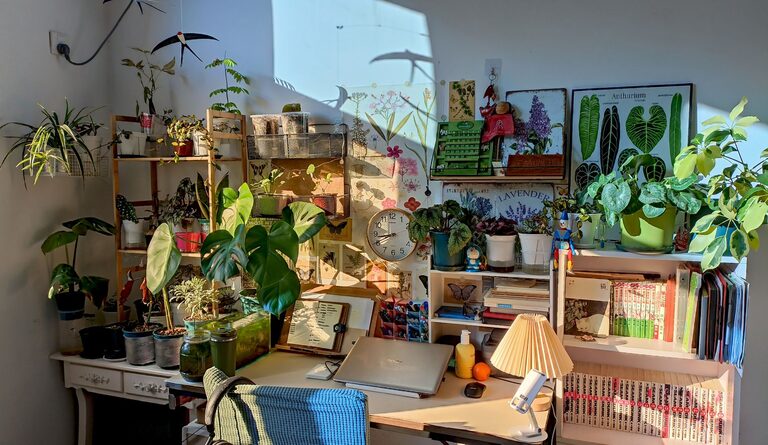

Creating a clutter-free workspace at home can greatly improve your productivity and overall well-being. When your workspace is neat and organized, it’s easier to focus on tasks, reduce stress, and feel motivated throughout the day. Whether you’re working remotely or simply using a corner for personal projects, these simple tips will help you design a clean, functional, and inviting home workspace.
Why Organizing Your Workspace Matters
A cluttered desk or room can be distracting and overwhelming, making it difficult to find what you need when you need it. On the other hand, a tidy workspace helps clear your mind, encourages better time management, and promotes efficiency. Taking a little time to organize can turn your home office into a space you actually enjoy spending time in.
Step 1: Clear Everything and Start Fresh
Begin by removing everything from your desk and nearby shelves. This step allows you to start fresh and decide what truly belongs in your workspace. Sort items into categories such as:
– Essential tools (computer, notepads, pens)
– Reference materials (books, documents)
– Personal items (photos, decorations)
– Non-work-related items (snacks, unrelated clutter)
Once sorted, evaluate which items are genuinely useful and which can be stored elsewhere or discarded.
Step 2: Declutter and Keep Only What You Need
Be honest about what you use daily or weekly. Items you haven’t touched in months likely don’t need to be on your desk. Keep only those that support your work or spark joy. Use the “one in, one out” rule to maintain balance—every time you bring in something new, consider removing an older item.
Step 3: Choose Smart Storage Solutions
Having a place for everything is key to staying organized. Consider the following storage options:
– Desk organizers: Trays, pen holders, and small bins keep frequently used items within reach.
– Shelves: Wall-mounted shelves free up desk surface while storing books and supplies.
– Drawers: Drawer dividers can separate paper clips, chargers, and other small items.
– Boxes or bins: Use labeled containers for papers, cables, and miscellaneous items.
Choose storage options that fit your style and space, making it easy to maintain organization daily.
Step 4: Establish Zones for Different Tasks
If your workspace allows, create specific zones for various activities. For example:
– Computer zone: For digital tasks with your laptop or desktop.
– Writing zone: A clear area with notebooks, pens, or a whiteboard.
– Reference zone: Shelves or racks for books, manuals, and files.
Designating zones reduces confusion and encourages focusing on one type of task at a time.
Step 5: Keep Cables Tidy and Out of Sight
Cables and cords often create visual clutter. Use simple solutions like cable clips, ties, or sleeves to bundle and hide cables under your desk or behind equipment. This not only makes your workspace look neater but also prevents tangling.
Step 6: Use Vertical Space Efficiently
Maximize your workspace by utilizing vertical space. Hang pegboards for organizing tools and accessories, install floating shelves for additional storage, or use wall-mounted file holders for papers. This approach frees up valuable desk surface area.
Step 7: Personalize Your Workspace Thoughtfully
While keeping your space functional, don’t forget to add a personal touch. A small plant, a photo frame, or artwork can make your work area more inviting. Just be mindful not to overload the space with decorations, which can turn into clutter.
Step 8: Set Daily or Weekly Cleanup Habits
Maintaining a clutter-free workspace requires routine. Schedule a few minutes at the end of each day or week to tidy up your desk, put away materials, and remove unnecessary items. Regular cleanup prevents clutter from building up over time.
Bonus Tips for Staying Organized
– Go paperless when possible: Use digital tools for notes, calendars, and document storage to reduce paper clutter.
– Deal with mail immediately: Sort incoming mail right away, recycling what you don’t need.
– Limit snacks and drinks: Keep eating areas separate to avoid spills and crumbs in your workspace.
– Use task lists: Keep a daily planner or sticky notes to stay organized and focused.
Final Thoughts
Organizing your home workspace doesn’t have to be a big project. By following these simple tips, you can create an environment that supports your productivity and well-being. Remember, the key is consistency—regularly maintaining your space will help you enjoy a clutter-free, comfortable workspace that works for you. Happy organizing!
About the Author